
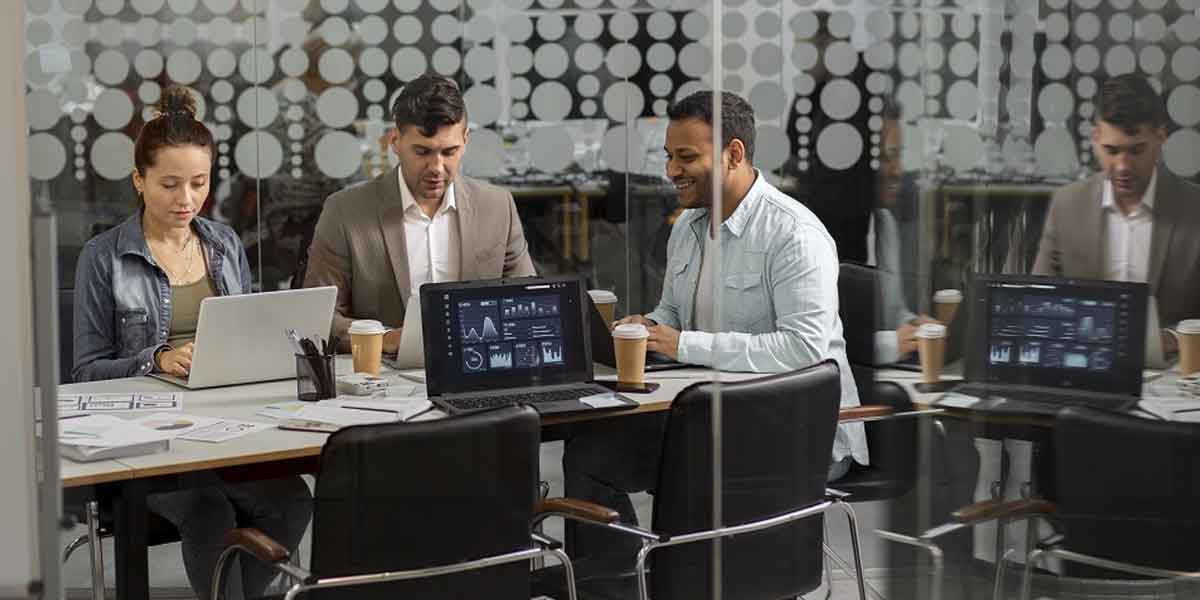

Renting a portable office allows a team to work near active project areas while having a workspace equipped for daily operations. Power, climate control, and customizable layouts provide the basic infrastructure needed to organize work on site. Technology further supports these operations through connected equipment and digital documents; communication systems are also helpful within the workspace. Here are some ways technology and mobile offices function together to support day-to-day project operations:
Integrate Digital Infrastructure
When a team works on site, reliable connectivity provides access to the digital systems supporting the project. Computers and connected equipment need dependable power, and network access links the workspace with project communication systems. With these features available inside your mobile office, you can spend less time moving between the project site and another administrative workspace.
Digital documents also provide access to current project information while working on site. They enable communication with other teams, and they support project record updates directly from the office. This connection can be useful when a team handles construction administration or field coordination; the information remains accessible near active operations.
With power and internet access, mobile offices can also be equipped with interactive writing boards. These boards allow on-site teams to review project details and share information without leaving the mobile office. They can support:
- Team meetings
- Project presentations
- Document reviews
- Quality control discussions
- Problem-solving conversations
Configure Connected Workspaces
The office layout influences how you and your team use technology during daily project work. When your workspace includes customizable layouts, you have more options for positioning technology around your team’s daily activities. An open-concept area allows your team to collaborate; private offices provide separation for individual administrative tasks or phone calls. A dedicated conference room also gives your team a designated space for training sessions and lunch breaks.
Equip On-Site Operations
Support Remote Deployment
Construction stages sometimes change a project’s location; a relocatable office provides workspace that moves with your team. When your project requires an operating point away from the main office, delivery and installation services can help set up the workspace at an alternative site. Technology remains a key part of that workspace, so your team still needs suitable infrastructure at each location.
Modular additions provide more workspace without requiring a complete setup as your project grows. Dedicated spaces for new team members or activities can be useful when operational needs change. These setups help support temporary assignments in construction, government, healthcare, and disaster response projects. Technology-equipped workspaces may include the following features:
- Relocatable office configurations
- Customizable interior layouts
- Access to power for connected equipment
- Adjustable lighting for working or resting
Integrate Building Systems
Effective technology use depends on building systems that support computers, communication equipment, and other connected devices. Electrical infrastructure provides power throughout your workspace, while network connectivity keeps project systems accessible during daily operations. Their placement is strategic; your team needs convenient access to equipment throughout the mobile office.
HVAC systems also support the work environment as computers and other electronic equipment operate throughout the workday and generate heat. They help maintain suitable temperatures for technology, whether your project is being completed in the summer or winter. Controlled interior conditions also provide a comfortable workspace while your team handles administrative and project tasks.
Enhance Efficiency With Mobile Offices
Technology works effectively when your office infrastructure aligns with how your team works each day. Connectivity, layouts, climate control, and security meet different project workspace needs, and each feature contributes to a functional environment. Contact a modular space provider to discuss your technology and mobile office needs.